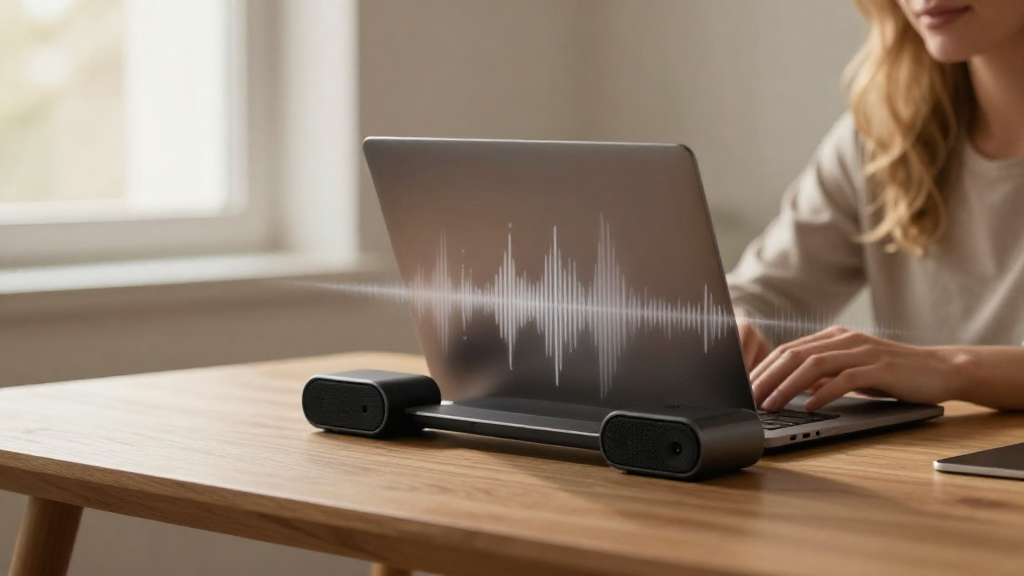
If you’re searching for how to make Mac louder, you’re not alone. Many Mac users find that their device’s speakers can sometimes fall short in delivering the audio experience they desire. Thankfully, there are various methods to enhance the sound output of your Mac, ensuring that you get the most out of your audio experience.
Why Are Mac Speakers Sometimes Too Quiet?
Understanding the reasons behind low speaker volume can help you troubleshoot effectively. Here are a few common reasons:
- Built-in Limitations: Mac speakers are somewhat small, which limits their volume capacity.
- Audio Settings: Sometimes, the system’s audio settings may inadvertently lower the output volume.
- Environmental Factors: Surrounding noise or the physical space can make it seem like the Mac’s speakers are quieter than they are.
How Can You Make Your Mac Speakers Louder?
Now that we’ve established why you may be experiencing low volume, let’s explore how to make Mac louder. Here are several effective strategies to boost your audio output.
Adjust Volume Settings
One of the simplest ways to enhance the sound on your Mac is to adjust the volume settings directly:
-
Check the Volume Slider: Click the volume icon on the menu bar and ensure that the slider is all the way up.
-
Keyboard Shortcuts: Use the
F12key to increase the volume directly from your keyboard. -
System Preferences: Go to System Preferences > Sound > Output and ensure the output volume is at maximum.
Is Your Audio Balanced?
A common issue that can impact perceived loudness is an imbalance in audio settings. Here’s how to check:
-
Open System Preferences: Navigate to System Preferences and select Sound.
-
Output Tab: Under the Output tab, ensure the balance slider is centered. Moving it too far to one side can make sound output weaker.
Check for External Interferences
You may also be facing issues due to external factors. Here’s what to consider:
-
Background Noise: Close windows or doors to minimize ambient noise.
-
Sound Profile: Avoid using headphones or external speakers that may affect the sound output.
Use Equalizer Settings
Utilizing an equalizer can also help you make your Mac louder by adjusting the sound frequencies:
-
Music Players: If you’re using apps like iTunes or Spotify, utilize the built-in equalizer to enhance sound frequency ranges.
-
Install Third-party Software: Applications like Boom 3D or eqMac can give you extra control over the sound quality and volume output.
Can External Speakers Enhance the Volume?
Using external speakers or headphones is one of the easiest ways to boost sound. Here’s how:
-
Bluetooth Speakers: Connect your Mac to Bluetooth speakers for improved sound quality and volume.
-
Wired Speakers: Connecting speakers via the headphone jack or USB can provide louder and clearer audio. Brands like Bose and JBL are reputable choices for high-quality speakers.
Do Sound Enhancer Applications Work?
Another option when considering how to make Mac louder is to explore sound enhancement applications. Many tools offer advanced features:
-
Boom 3D: A well-regarded app that boosts volume and enhances sound quality.
-
Sound Control: Allows you to adjust volume levels for individual applications.
-
eqMac: An open-source equalizer that caters to both novices and experts in audio tuning.
Are There Hidden Audio Settings?
Sometimes we overlook system settings that can influence sound:
-
Accessibility Settings: Go to System Preferences > Accessibility > Audio and check relevant settings that might limit volume.
-
App-specific Preferences: Some applications like Zoom and Skype have their own sound settings that might affect the Mac’s overall volume.
How to Free Up System Resources?
A cluttered system can indirectly impact performance, including audio output:
-
Close Unused Applications: Make sure you close applications that you’re not actively using, freeing up system resources.
-
Monitor Activity: Use the Activity Monitor found in Applications > Utilities to identify heavy resource-consuming apps.
Update Your Mac’s Software
Keeping your operating system updated is crucial:
-
Check for Updates: Go to System Preferences > Software Update to ensure your Mac is running the latest version.
-
Refresh Audio Drivers: Sometimes, an OS update can refresh necessary audio drivers, improving sound performance.
When to Consider Hardware Changes?
If you’ve tried all the software solutions but still wonder how to make Mac louder, it might be time to consider hardware upgrades:
-
External Sound Cards: Invest in a high-quality external sound card for significantly improved audio output.
-
New Speakers or Headphones: Exploring better-quality audio devices can vastly improve your listening experience.
Conclusion
Boosting the sound on your Mac doesn’t have to be an impossible task.
Whether from adjusting your system settings, using external devices, or incorporating sound enhancement applications, there are multiple ways to achieve your goal.
The next time you find yourself pondering how to make Mac louder, remember these strategies to enhance your audio experience—allowing you to fully enjoy your favorite music, movies, and podcasts.
With these tips, you should find yourself well on your way to an elevated sound experience!